

Choose what clients can book
Any session type can be offered online. Go to Settings, then Calendar, open a session type with the pencil icon and switch on Bookable online. Types that clients can book show a globe next to their name in the list.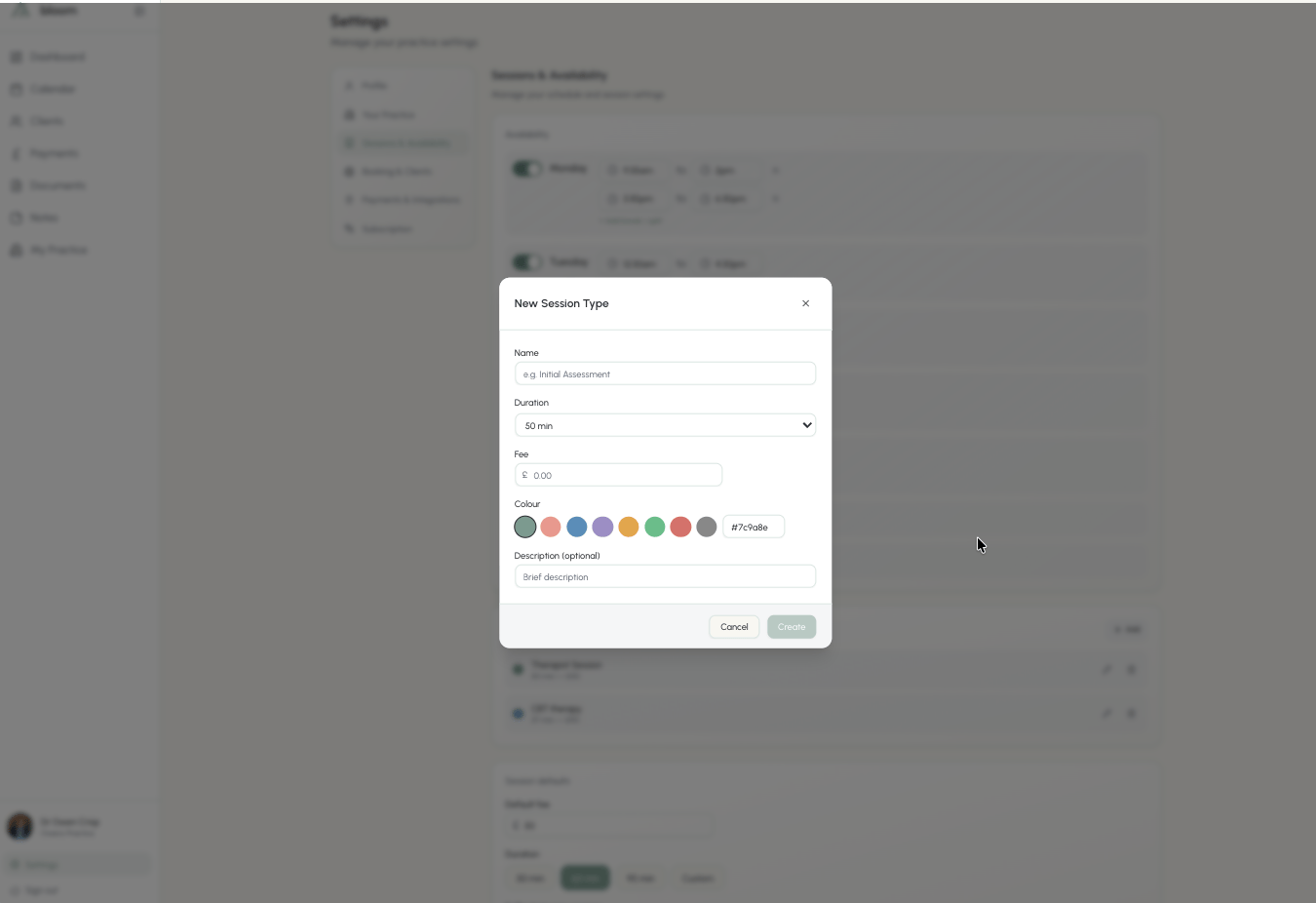
The introductory consultation
Every therapist starts with a session type called Introductory consultation: a free 15 minute call, bookable online from day one. It is an ordinary session type, so you can rename it, give it a fee, switch it off, or delete it like any other.What clients see
Clients open your link and see your name, photo and practice.- One bookable session type: its name, length and fee sit above the calendar and they pick a time.
- Several bookable types: they first choose from What would you like to book?, then pick a time. Each option shows the name, length, fee and description. Free sessions show Free.
- None: a short note that you are not taking online bookings at the moment, and no calendar.
Clients are not charged when they book. A paid session is recorded as owed and follows your usual payment flow after the session.
Accepting a request
A booking arrives as a pending request in your calendar and you get an email if Email notifications is on. The email names the session type and fee, and tells you whether the client is new to you or someone you already work with. Accept it and the client receives a confirmation with the date, time, fee and a link to cancel. Decline it and they are told the time is not available. If you accept a paid booking from a client who has not yet signed your agreement, Bloom sends them your onboarding email automatically, exactly as Resend onboarding would. Free bookings do not trigger onboarding.Client onboarding
How the agreement, payment details and intake forms work once a client is on board.
Payment options
If your practice takes card payments, you can decide what happens with money when a client books a paid session online. Go to Settings, then Online booking, and choose one option on the Payment options card, or leave both off to keep the request-and-accept flow.Require a card to book a session
The client saves a card on a secure Stripe page as they book. The booking is confirmed straight away, with no request for you to accept, and nothing is charged until your usual collection time under your collection method and cancellation policy. This option needs card payments connected and a card option as your default collection method; until then the switch shows what to do first.Charge the full fee at booking
The client pays the whole session fee on Stripe as they book, however far ahead the session is. The booking is confirmed as soon as they pay, they get a receipt, and the session shows as paid in Payments. If they later cancel, the refund follows your cancellation policy: in full with enough notice, or minus your late fee. This option only needs card payments connected. When your default collection method is a card option, the card is kept on file too. What clients see with either option:- After filling in their details, they are taken to a secure Stripe page. The time they chose is held for about 30 minutes while they save a card or pay.
- Once done, they land on a confirmation page and receive the confirmation email with a cancellation link, plus a receipt if they paid.
- If they go back without finishing, the time is released straight away. If they take longer than the hold, it is released and they are told nothing was booked. A payment made after the time was released is refunded automatically.
Free sessions never involve a card, whatever the switches say. A client you already work with is put on your default collection method when they book this way, and your notification email tells you so.
Fees, cancellations and reminders
- The fee is copied onto the appointment when it is booked. Changing the session type later does not change bookings already made.
- Free sessions never appear in Payments. Paid sessions appear there like any other session.
- With either payment option on, a booking arrives already confirmed, so there is nothing to accept.
- Your cancellation policy, session reminders and post-session payment reminders apply to online bookings exactly as they do to sessions you add yourself.
Practices with more than one therapist
Each therapist controls their own bookable session types. The practice booking link lets clients choose a therapist first, then book with them as described here.Practice booking link
One link for the whole practice, and who appears on it.